
The Images tab
Advanced Edition
The Images tab shows any image you have in a variable, with brightness and contrast you can wind through the whole range, the window-and-level control a radiologist uses, which is the only way to see inside a scan whose numbers run from -1000 to 3000. Pan, zoom, a live histogram, and save what you are looking at as a PNG.
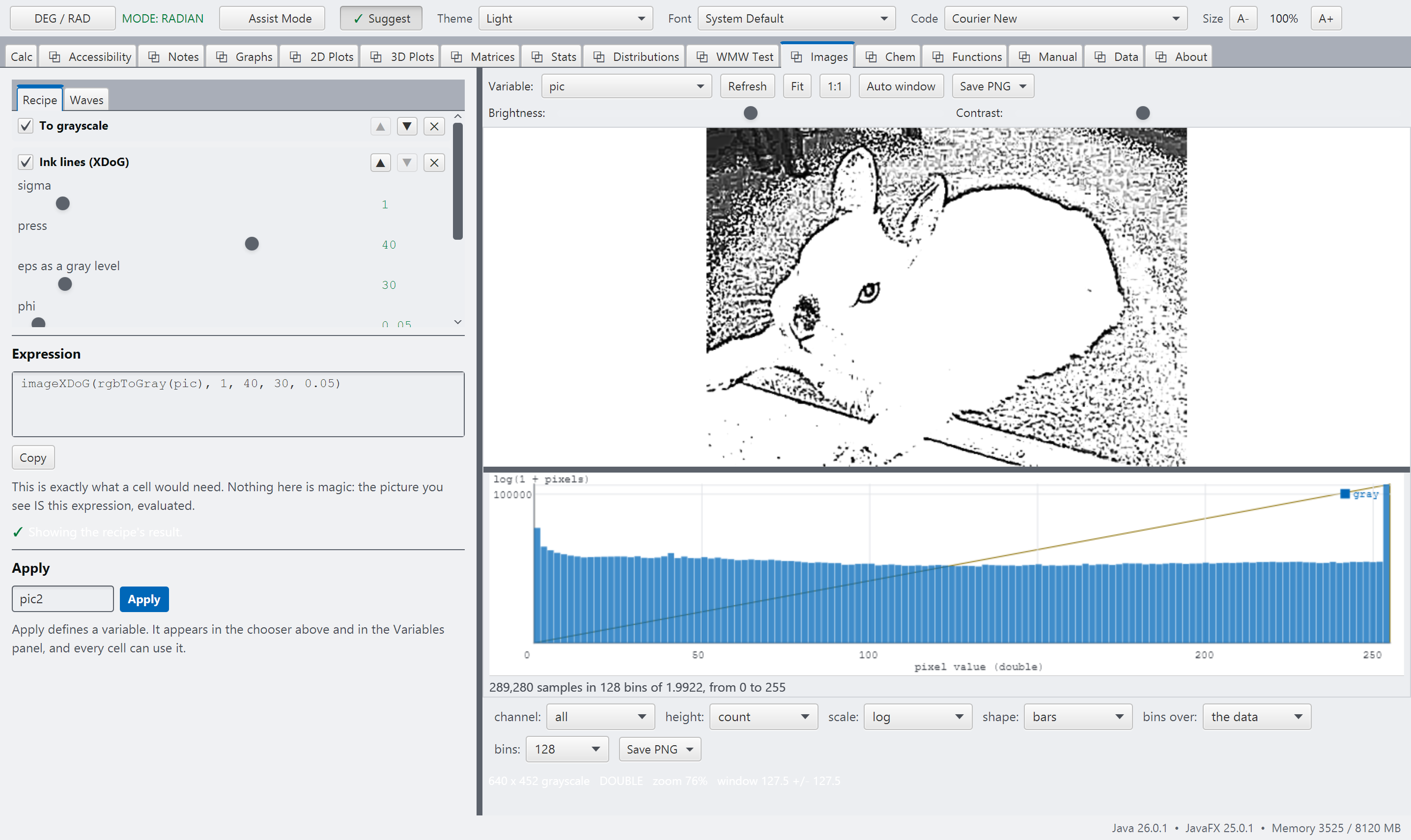
images.pngThe Images tab, a recipe applied, with the Expression box showing the call it built.
imageXDoG(rgbToGray(pic), 1, 40, 30, 0.05), ready to copy into a cell and keep.